


- By Admin
-
 Advertising
-
 09 October, 2026
It is 9 a.m. A rival's listing is out of stock, and your sales jump by half. By evening you drop your price to match another seller. Two weeks later, the rival is back. Your sales fall, and your margin is thinner than before.
Many sellers learn about these changes late, or by accident. This guide shows a simple way to do Amazon competitor price tracking, and what to do when a rival changes price or goes out of stock.
Key takeaways
- Track only 5 to 10 real rivals per product. A long list is noise.
- A rival's stock-out is a short window, not a permanent win. Check your own stock cover before you push ads.
- Before you match a lower price, calculate how many extra units you need to earn the same profit.
- Check your tracked list every week, and set alerts for price and stock changes.
Why does Amazon competitor price tracking matter?
Shoppers compare. If two similar products sit side by side, price and availability often decide the click.
Amazon also looks at these signals. Its Seller Central help page on the Featured Offer says that Amazon considers factors such as price, availability, delivery speed and customer service when it picks the offer to feature. The Featured Offer is the offer that has the Add to Cart button on the product page. Amazon does not guarantee placement.
So a rival's price drop can change who gets the sale. A rival's stock-out can change it too. If you do not see the change, you cannot respond to it. For more on this, read our guide on how losing the Buy Box drains ad spend.
Which competitors should you track?
Do not track the whole category. Choose rivals that a real shopper would compare with your product.
Pick 5 to 10 products per ASIN (Amazon Standard Identification Number, the product ID). Use this filter:
- Same type of product and a similar pack size
- Similar price band, within about 20 to 30 percent of yours
- Appears next to your product in search results
- Sells in the same region and with a similar delivery speed
Review the list every month. Remove products that are no longer close to yours. Add new launches that start to appear beside you.
What changes should you watch?
Four signals matter most.
| Signal | What it may mean | First action |
| Price drop | A promotion, clearance or a new strategy | Check if it is short-term. Do not react yet |
| Price rise | Cost increase or low stock | See if you have room to hold price |
| Out of stock | Demand may shift to you for a while | Check your stock cover, then ad budgets |
| New listing nearby | More competition for the same shopper | Review your title, images and keywords |
Also watch ratings and review count. A rival with a falling rating may lose sales without any price change.
How do you work out a safe response? An illustrative example
Numbers below are illustrative. They are not Amazon fees. Check your own fees in Seller Central.
Step 1. Find your profit per unit before ads.
Formula: selling price − product cost − Amazon fees − shipping and packaging
Calculation: ₹799 − ₹320 − ₹160 − ₹60 = ₹259 per unit
Step 2. Find your break-even ACoS (advertising cost of sales).
ACoS is ad spend divided by ad sales. Break-even ACoS is the highest ACoS where you do not lose money on an ad sale.
Formula: profit per unit ÷ selling price
Calculation: ₹259 ÷ ₹799 = about 32 percent
If your ads run above 32 percent ACoS on this product, each ad sale loses money before overheads.
Step 3. Check what a price match costs.
A rival drops to ₹749. You consider matching. For simplicity, assume your costs and fees stay the same.
Calculation: new profit per unit = ₹259 − ₹50 = ₹209
You sell 40 units a day today. Daily profit now: 40 × ₹259 = ₹10,360.
Formula: units needed = current daily profit ÷ new profit per unit
Calculation: ₹10,360 ÷ ₹209 = about 50 units a day
You need about 25 percent more sales just to earn the same profit. Ask: will matching the price really bring that many extra orders? If not, hold your price and work on other levers, such as images and offers.
Step 4. Check your stock cover when a rival is out of stock.
Days of cover = units in stock ÷ units sold per day. Read more in our guide on inventory days of supply.
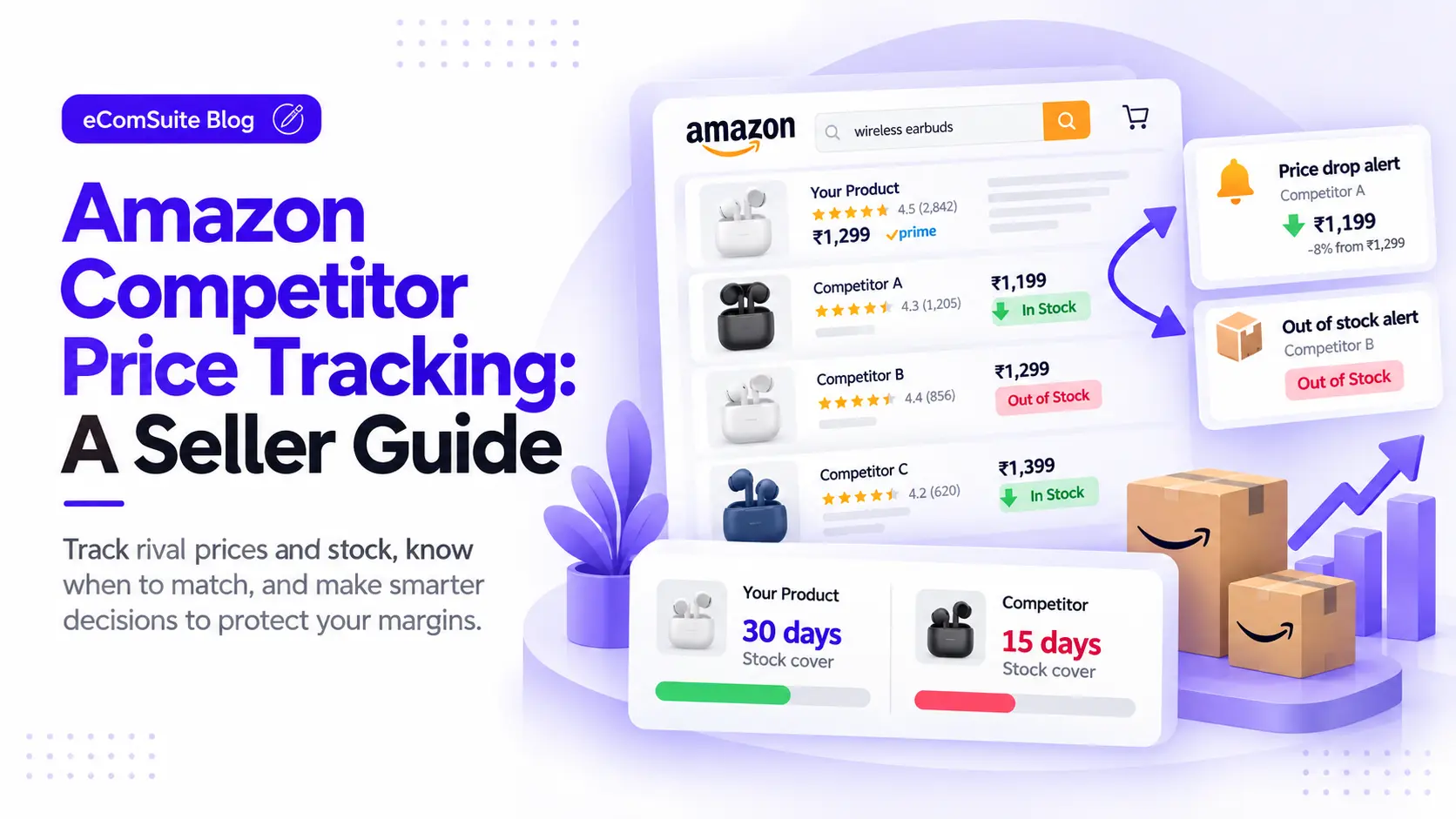
You have 1,200 units. At 40 a day, you have 30 days of cover. If the rival's stock-out lifts your sales to 80 a day, your cover falls to 15 days. If a new shipment needs 20 days to reach the warehouse, you will run out first.
In this case, do not raise ad bids hard. A stock-out of your own can hurt rankings more than the extra sales help. Our post on advertising without creating stockout risk explains this in detail.
Weekly checklist for competitor tracking
Use this each week. It takes about 20 minutes.
- Open your tracked list for each hero product (your top sellers).
- Note any price change of more than 5 percent.
- Note any rival that is out of stock, and for how long.
- Check your own stock cover for the same product.
- Check your break-even ACoS, then compare it to your current ACoS.
- Decide one action per product: hold, adjust ads, or change price.
- Write the date and the reason. Check the result after 7 days.
Write the reason down. It stops you from changing prices by habit.
When should you NOT react?
Not every rival move needs an answer.
- Do not match a price from an unknown seller. Some offers are old stock or clearance. Check the seller and the delivery speed first.
- Do not chase a one-day change. Wait 2 to 3 days to see if it holds.
- Do not cut price below break-even. Losing money on each unit does not build a business.
- Do not scale ads without stock. The extra clicks will not convert if the product is unavailable.
- Do not copy rivals blindly. Their costs are not your costs.
Price is only one lever. Better images, a clearer title and a coupon may win the sale at a lower cost. Our guide on TACoS vs ACoS vs ROAS helps you judge whether your ads still pay.
How does this help during festive sales?
In busy sale weeks, prices and stock levels change by the hour. Rivals run deals, then run out of stock. Your sales can swing quickly.
Set your rules before the sale starts. Know your lowest price, your break-even ACoS and your stock cover for each hero product. Then you can decide fast without guessing. See also our Amazon Freedom Sale prep guide for a planning approach that works for any big sale.
For current deal rules, deadlines and fulfilment cut-off dates, check Seller Central. Amazon changes them by event.
How eComSuite helps
Doing this by hand means many tabs and a lot of checking. eComSuite offers these modules, as described on the tools page:
- Trend Analysis shows related products in your category for each product you sell. You can also add products to track yourself. You can turn on alerts for price increases or decreases, and for when a tracked product goes out of stock. It shows reviews, ratings and stock availability together.
- Inventory Management helps you see your own stock position, so you know if you can handle extra demand.
- Ad Pulse gives you a live view of your ad performance, so you can adjust spend when demand shifts.
Use these to spot a change early. The decision to hold, adjust or match is still yours.
Frequently asked questions
How often should I check competitor prices on Amazon?
Check hero products weekly. Check daily during big sale events. Use alerts so that you do not need to look every day.
Should I always match a lower price?
No. First calculate the extra units you need to earn the same profit. Match only if it makes sense.
Why did my sales jump when a rival went out of stock?
Shoppers who wanted that product may buy similar ones. The effect often ends when the rival restocks.
Where can I check Amazon's current rules and fees?
Use Seller Central and Amazon's official seller help pages. Do not rely on old posts.
Takeaway
You cannot control what rivals do. You can control how fast you notice, and how well you respond. Track a small list, know your break-even numbers, and check your stock before you act.
Want to see price and stock changes around your products without checking each listing by hand? Try eComSuite.
Sign Up - Free