


- By Admin
-
 Advertising
-
 28 May, 2026
From Discovery to Continuous Optimization
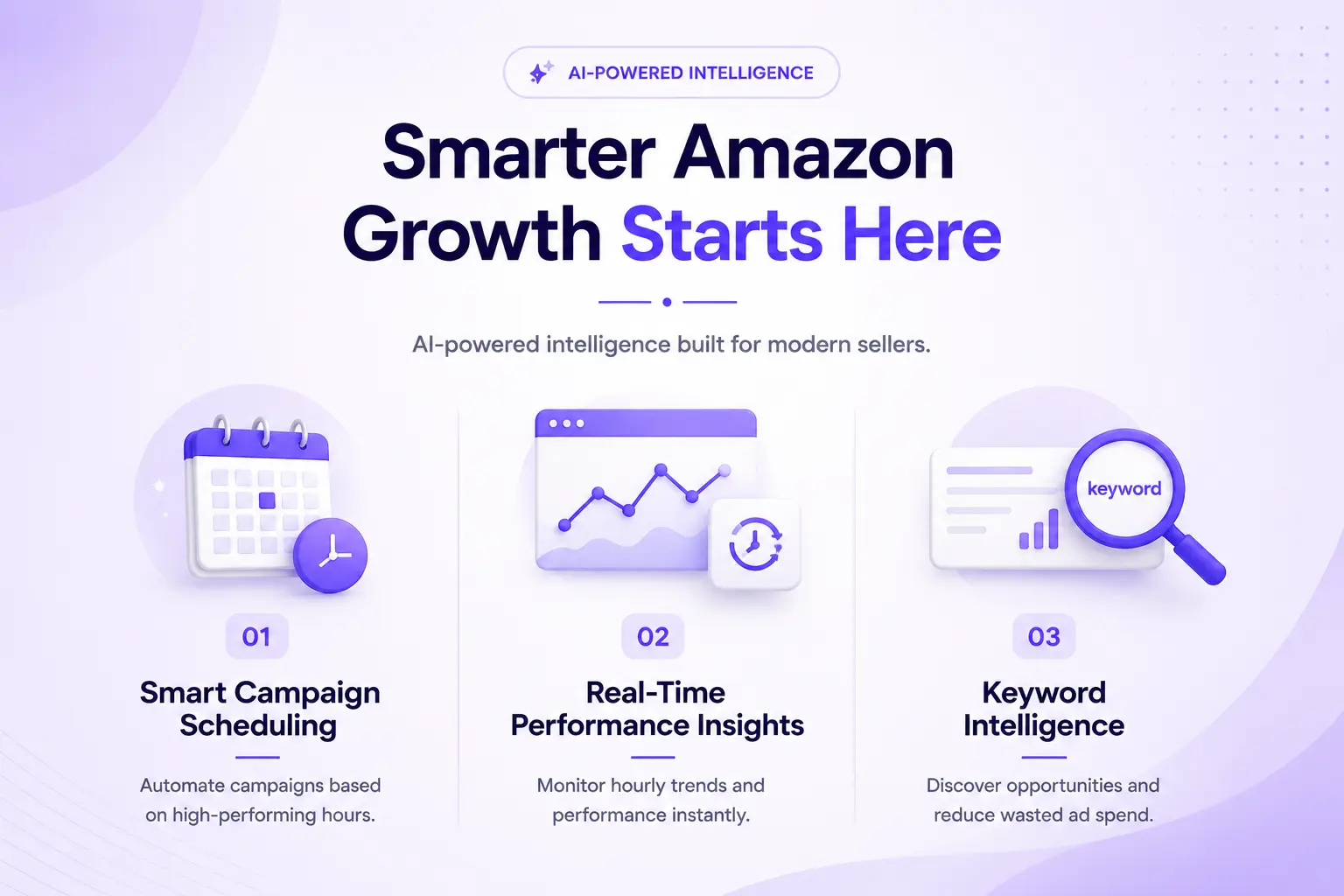
Amazon Marketing Stream (AMS) has finally made true hourly optimization and dayparting possible for Sponsored Products and other Amazon ad formats, and combining that stream with smart automation is one of the fastest ways to cut wasted spend and scale profitable hours. In this blog, we’ll walk through how to use AMS data to identify your “performing” versus “bleeding” hours, then show how ZeroToZen’s eComSuite-specifically Ad Pulse and eComAct-turns those insights into always‑on, automated scheduling for Amazon PPC.
Why hourly PPC data changes everything
Historically, most Amazon advertisers saw performance only at daily granularity, which made it hard to know whether budget was being burned at night or compounding returns in a narrow band of high‑intent hours. With AMS, Amazon now delivers Sponsored Ads performance summarized by hour of day and day of week via a push-based stream, giving advertisers true intraday visibility into traffic, conversions, and spend.
This hourly view lets you see when ACOS spikes, when conversion rate drops, and when certain placements or keywords disproportionately drive sales, instead of averaging those effects across the entire day. As a result, it unlocks a set of optimization levers-especially dayparting and dynamic budget management-that simply weren’t feasible using only daily reports.
What Amazon Marketing Stream actually is
Amazon Marketing Stream is a push-based messaging system available through the Amazon Ads API that delivers hourly campaign metrics as near real-time notifications into your chosen AWS destination (for example SQS or Kinesis/Data Firehose). Advertisers and tool providers can subscribe to different data sets-such as Sponsored Products traffic and conversions or Sponsored Ads budget usage-and receive updates throughout the day without manual report pulls.
Because AMS summarizes traffic and conversion metrics hourly across campaigns, ad groups, targets, and placements, it becomes the technical foundation for high‑resolution performance analysis and advanced campaign automation. It also includes messaging around budget consumption, allowing responsive apps to act when a campaign hits or approaches its daily budget limit.
Dayparting and “performing vs bleeding hours”
Dayparting (or ad scheduling) means deliberately controlling when your ads run or how aggressively they bid based on specific hours of the day or days of the week, rather than treating all hours as equal. In practice, that usually means concentrating spend in high‑converting hours and scaling back or pausing in periods that historically drive clicks but few orders.
When you apply dayparting to Amazon PPC, you end up with three intuitive categories of time slices based on your AMS data:
- Performing hours: High conversion rate and strong ROAS/low ACOS, where you want maximum impression share and budget coverage.
- Support hours: Average performance where you maintain baseline presence, often at moderate bids.
- Bleeding hours: High spend and clicks but weak conversions, where ACOS blows out and budget is effectively wasted.
AMS provides the granular inputs needed to classify each hour into one of these buckets for each portfolio, campaign, or even major keyword cluster.
Key metrics for identifying bleeding hours
To separate performing from bleeding hours, you look at the same familiar PPC metrics-but sliced by hour and day. At minimum, AMS enables you to operationalize:
- Clicks and impressions: To understand when traffic actually shows up and when your daily budget is being consumed.
- Conversion rate (CVR): Orders divided by clicks per hour; the most intuitive way to spot “window‑shopping” hours where users click but don’t buy.
- ACOS / ROAS: Profitability metrics by hour; spikes in ACOS or drops in ROAS highlight bleeding windows.
- CPC: To see whether high costs coincide with lower intent hours, which may justify aggressive bid reductions or pauses.
By plotting these hourly metrics over a representative period (say 14–30 days), you can visually spot where spend consistently outpaces revenue-your bleeding hours-and where revenue is concentrated.
Why daily reports aren’t enough
Daily performance data hides intraday volatility because it rolls up both your best and worst hours into a single blended number. For example, a campaign might show an acceptable daily ACOS of 25 percent, but if AMS reveals that mornings run at 15 percent ACOS while late nights sit at 60 percent, that “average” masks serious inefficiencies.
Without hourly data, advertisers typically respond with broad bid changes or budget tweaks that indiscriminately affect all hours. That often reduces volume in profitable periods as much as-or more than-it cuts waste, leaving money on the table while still leaking budget in low‑intent windows.
How AMS delivers hourly and near real‑time insights
AMS sends hourly performance snapshots for Sponsored Products, Sponsored Brands, and Sponsored Display via the Amazon Ads API, summarizing traffic and conversion metrics for each hour of the previous day and the current day. These metrics are streamed as soon as they are available, and Amazon can update previous hours during the day as late conversions or adjustments roll in, meaning the stream remains accurate over time.
In addition, AMS budget messaging data informs you about daily budget consumption, including when campaigns are close to or have hit their limit, which is critical for avoiding lost impression share in top‑performing windows. Because the system is push‑based, tool providers and in‑house teams no longer need to poll the Reporting API repeatedly or deal with throttling to monitor intraday shifts.
Manual approach: analyzing AMS-like hourly data
Before platforms like eComSuite existed, many advanced advertisers attempted their own hourly analysis by exporting Sponsored Products hourly reports or similar data, then building pivot tables in spreadsheets. A typical workflow would involve downloading 14 days of hourly data, aggregating orders, spend, and clicks by hour of day, and layering conditional formatting to highlight high‑ACOS or low‑CVR windows.
While this approach can work for a handful of campaigns, it quickly becomes unwieldy across dozens or hundreds of ASINs, and it is brittle in fast‑moving categories where intraday patterns shift with seasonality and promotions. It also doesn’t easily support continuous monitoring, so advertisers end up doing sporadic manual audits rather than running a disciplined dayparting program.
What effective Amazon PPC dayparting looks like
When implemented properly, dayparting does not mean “turn everything off outside one narrow window”; instead, it uses data to shape the rhythm of your campaigns throughout the day. Common patterns observed by SaaS providers and agencies include stronger engagement and conversions in evening and weekend hours for consumer products, and more even performance for B2B‑leaning categories during business hours.
The basic idea is to allocate more budget and higher bids to your proven high‑intent windows while reducing bids or pausing campaigns where AMS shows persistent bleed. This typically leads to improved CTR, better conversion rates, and more efficient ACOS/ROAS, especially in competitive niches where inefficient spending rapidly erodes margins.
Where native Amazon tools fall short
Despite the power of hourly data, Amazon’s own self‑service console still does not offer fully flexible, rule‑based dayparting controls that let you schedule campaigns by hour across all ad types. Advertisers can adjust budgets and bids, or use some limited scheduling features, but fine‑grained automated control over enable/pause windows and bid multipliers generally requires using the Amazon Ads API or a third‑party tool.
That means serious advertisers must either invest in data engineering and custom scripting on top of the Ads API and AMS streams, or choose a SaaS platform that already does the heavy lifting-ingestion, modeling, visualization, and automation. This is the gap a product like eComSuite is designed to fill for Amazon sellers who want enterprise‑grade control without building their own infrastructure.
eComSuite in the Amazon data stack
In a typical setup, Amazon Ads data-including AMS streams-is ingested into a central warehouse and surfaced via dashboards, analyzed with AI , and with automation layers on top to execute optimization decisions programmatically.
Because eComSuite focuses on connecting Amazon API to analytics destinations such as AI tools, it is well positioned to translate raw AMS metrics into heatmaps, alerts, and schedules that are actually usable by PPC managers. The addition of Ad Pulse and eComAct is aimed at closing the loop between insight and action.
Introducing Ad Pulse: real‑time AMS insight for Amazon PPC
Ad Pulse is eComSuite’s new feature that taps directly into Amazon Marketing Stream to give Amazon sellers real‑time visibility into their Sponsored Ads performance. According to your description, it pulls hourly AMS data and presents it as intuitive heatmaps by hour and day, surfacing key KPIs such as clicks, orders, conversion rate, and ACOS in a visual format that makes performing versus bleeding hours obvious at a glance.
Beyond visualization, Ad Pulse analyzes historical hourly patterns to highlight “bleeding” campaigns-those with high clicks but low conversions-and flags them so you can prioritize dayparting and bid optimizations where they matter most. It also includes email alerts that notify you when campaigns are about to hit their daily budget limits, giving you the option to raise budgets in time to capture additional conversions during your top‑performing windows.
How Ad Pulse leverages Amazon Marketing Stream capabilities
Because AMS delivers hourly performance metrics for Sponsored Products, Brands, and Display, Ad Pulse can build a granular time‑of‑day and day‑of‑week profile for each campaign, portfolio, or even brand. It uses that stream to update heatmaps continuously as new data comes in, instead of waiting for next‑day batch reports.
AMS also exposes near real-time budget consumption metrics and messages when a campaign runs out of budget or approaches its cap, which is exactly the type of signal Ad Pulse uses for its budget‑limit notifications. This allows sellers to react before campaigns go dark in their best hours, preserving continuity in impression share and sales velocity during crucial periods.
Using Ad Pulse to identify performing hours
With Ad Pulse, a typical workflow for identifying performing hours might look like this:
- Open the hourly heatmap for a key campaign or brand. Over a lookback window (say 14–30 days), you’ll see a grid showing how ACOS, CVR, or ROAS behaves by hour and by weekday, powered by AMS metrics.
- Scan for “hot” cells where conversion is high and ACOS is consistently low. These are your performing hours where demand and profitability align.
- Check volume metrics (impressions/clicks) in those same hours. If you see strong CVR but relatively low impression share, that can be a signal to push harder with bids and budgets.
Because the data is updated in near real time, you can refine these windows as patterns shift-for example, during Prime‑day weeks or festive seasons-without rebuilding your entire analysis stack.
Using Ad Pulse to detect bleeding hours and campaigns
On the flip side, Ad Pulse surfaces bleeding behavior by combining high‑click, low‑conversion windows with high ACOS or low ROAS across hours. This aligns with best‑practice definitions of dayparting, where you explicitly look for hours that “just burn the budget.”
In practice, this could mean:
- Hours where clicks remain high but CVR drops significantly relative to your daily or weekly baseline.
- Hours with elevated CPCs that do not translate into proportional revenue, inflating ACOS.
- Time blocks where campaigns frequently hit budget early, resulting in lost impressions in later, higher‑intent hours.
Ad Pulse can flag such patterns so you know exactly when you should cut bids, reduce budget, or schedule pauses via eComAct instead of letting campaigns run 24/7.
Real‑time budget monitoring and alerts with Ad Pulse
One of the most valuable AMS use cases highlighted by Amazon and third‑party experts is real‑time budget monitoring, because budget exhaustion during peak hours can silently destroy ROAS. AMS budget usage messages show how quickly each campaign is consuming its daily allocation and when it runs out, enabling proactive budget management by advanced API users.
Ad Pulse builds on this by sending email alerts when campaigns are about to hit their daily budget limits, based on that AMS stream. Instead of discovering the next day that your best‑performing campaigns went dark at 4 p.m., you receive near‑real‑time notifications and can choose to increase the budget to extend profitable exposure into the evening peak.
eComAct: turning dayparting decisions into scheduled actions
Where Ad Pulse focuses on insight and monitoring, eComAct is eComSuite’s execution engine that lets sellers schedule campaigns by day and time window. As you described, it allows you to define time‑based rules so that specific campaigns are automatically enabled or paused according to your chosen schedule, without manual toggling in the Amazon Ads console.
This is exactly the sort of automation that AMS‑driven dayparting strategies call for: AMS reveals performing vs bleeding hours, and eComAct operationalizes that knowledge in the form of recurring schedules. Instead of relying on ad managers to log in at odd hours to flip switches, eComAct programmatically aligns campaign status with your time‑of‑day plan.
Why scheduling matters for AMS‑driven optimization
AMS opens the door to “true dayparting” by providing hourly performance insights and near real‑time budget signals through the Ads API. However, to fully exploit those insights, advertisers must be able to adjust campaign status and bids at similar temporal granularity, ideally without constant human intervention.
While some advertisers choose to adjust bids only, many also find value in fully pausing campaigns during severely bleeding hours to eliminate waste. eComAct’s scheduling controls directly address this need by allowing you to define daily and weekly on/off windows for each campaign, thereby converting Ad Pulse’s insights into a deterministic, repeatable schedule.
Building a performing vs bleeding hours strategy with Ad Pulse and eComAct
A robust AMS‑driven optimization cycle in eComSuite might follow this pattern:
- Discover: Use Ad Pulse heatmaps and metrics to identify performing and bleeding hours for each major campaign or portfolio.
- Design: For each campaign, define time windows where you want to run aggressively, run at baseline, or stay paused based on intraday profitability patterns.
- Deploy: Configure eComAct schedules that enable campaigns in performing windows and pause them in bleeding windows, with flexibility by weekday if needed.
- Monitor: Let Ad Pulse’s real‑time dashboards and budget alerts show you how the new schedule impacts spend, ACOS, and sales.
- Iterate: Refine windows and budgets as AMS data reflects new shopper behavior, seasonality, and competitive dynamics over time.
Because both features sit inside the same eComSuite platform, the handoff from analysis to automation is tighter than in a patchwork of disconnected tools.
Practical examples of schedule design
Consider a Sponsored Products campaign where Ad Pulse shows that from 09:00–12:00 and 19:00–23:00 you see strong conversion rates and healthy ACOS, while 01:00–06:00 consistently burns budget with low conversion. This pattern is consistent with case studies where evening hours tend to show higher engagement and conversion for many retail categories.
In eComAct, you might:
- Schedule the campaign to run from 07:00–23:00, but with bids tuned higher during your top windows (09:00–12:00, 19:00–23:00) via a separate bid strategy.
- Fully pause the campaign between 01:00–06:00 each day to cut waste from your worst hours.
As AMS data and Ad Pulse heatmaps evolve-say, during holidays when late‑night buying increases-you can revisit and adjust these windows based on fresh evidence.
Best practices when using AMS data for dayparting
Industry guides on AMS and dayparting suggest several best practices that align well with how eComSuite is designed to be used.
- Use enough history: Start with at least 2–4 weeks of hourly data so you aren’t overreacting to a single anomalous day.
- Segment by campaign intent:Separate branded, category, and competitor campaigns; their performing and bleeding hours often differ.
- Beware low‑volume noise: Avoid making hard decisions on hours with very few clicks, as statistical noise can mislead you.
- Account for seasonality and events:Re‑evaluate schedules around big sales events, holidays, or category‑specific peaks, as shopper behavior can shift dramatically.
Ad Pulse’s continuous stream and heatmaps make it easier to revisit these decisions regularly, while eComAct makes updating schedules fast.
Common pitfalls to avoid
Even with great data, dayparting can go wrong if misapplied. Expert content on AMS and PPC scheduling highlights a few recurring mistakes.
- Over‑slicing the day:Creating too many micro‑windows can overfit your schedules to historical noise, making them fragile as patterns shift.
- Starving key hours with budget caps: If your campaigns hit budget in early “ok but not great” hours, you may never show up during your best evening windows.
- Ignoring cross‑device and delayed conversions: Some conversions attributed to a given hour may have originated from earlier browsing sessions, so avoid overly aggressive cuts based on narrow windows.
Using Ad Pulse’s budget alerts helps mitigate the second issue by letting you lift budgets in time, while eComAct’s schedules should be adjusted gradually, not flipped drastically overnight.
How AMS and dayparting fit into a broader PPC strategy
Hourly optimization is powerful, but it’s only one layer of a strong Amazon PPC program. Amazon and partner resources emphasize that advertisers should also refine keyword targeting, optimize product detail pages, and adjust placement strategies (for example, Top of Search vs Product Detail Page) to improve results.
AMS data itself includes breakdowns by placement and target, which can reveal that certain placements do better in specific hours or that some keywords bleed across the entire day regardless of timing. eComSuite’s broader analytics capabilities can help you combine these dimensions-time, placement, target type-into a holistic optimization plan, with Ad Pulse and eComAct handling the time‑of‑day execution layer.
Why real‑time streaming matters for Indian and global sellers
For Indian and global Amazon sellers operating in competitive categories, intraday shifts can be especially pronounced during local festivals, pay‑day spikes, and big sales like Great Indian Festival or Prime Day. Near real‑time access to hourly metrics through AMS allows you to observe these patterns as they emerge, rather than discovering them after the campaign has ended.
In such environments, automated tools like Ad Pulse and eComAct become critical because they help teams respond quickly to demand surges and competition without requiring a 24/7 operations team. This aligns well with the needs of mid‑market and larger sellers who cannot afford to micromanage every campaign but still require performance discipline.
Bringing AMS, Ad Pulse, and eComAct together in eComSuite
When you put all of this together, AMS becomes the raw telemetry, Ad Pulse becomes the nervous system that interprets and surfaces meaningful patterns, and eComAct becomes the set of reflexes that execute your time‑based strategy automatically. AMS provides the push‑based, hourly data and budget messaging; Ad Pulse turns that into heatmaps, bleeding‑campaign insights, and real‑time budget alerts; and eComAct uses those insights to schedule campaign enable/pause windows aligned with your proven performing hours.
For Amazon sellers serious about profitability, this combination closes the loop from data to decision to action, without forcing you to build and maintain a complex Ads‑API and AMS integration yourself. As a unified SaaS platform from ZeroToZen eCommerce Technologies Private Limited, eComSuite is positioned to let you focus on strategy-what products to push, what markets to enter-while the underlying SP‑API, AMS stream, and automation plumbing work quietly in the background.
Ready to scale your E-commerce business?
Empower your growth with eComSuite’s multi-channel marketing tools.
Get Started
Sign Up - Free